Opening a Porta account
A new account on porta.link, with a plan and the first property.

Open porta.link/isprobaj and choose Let's start.
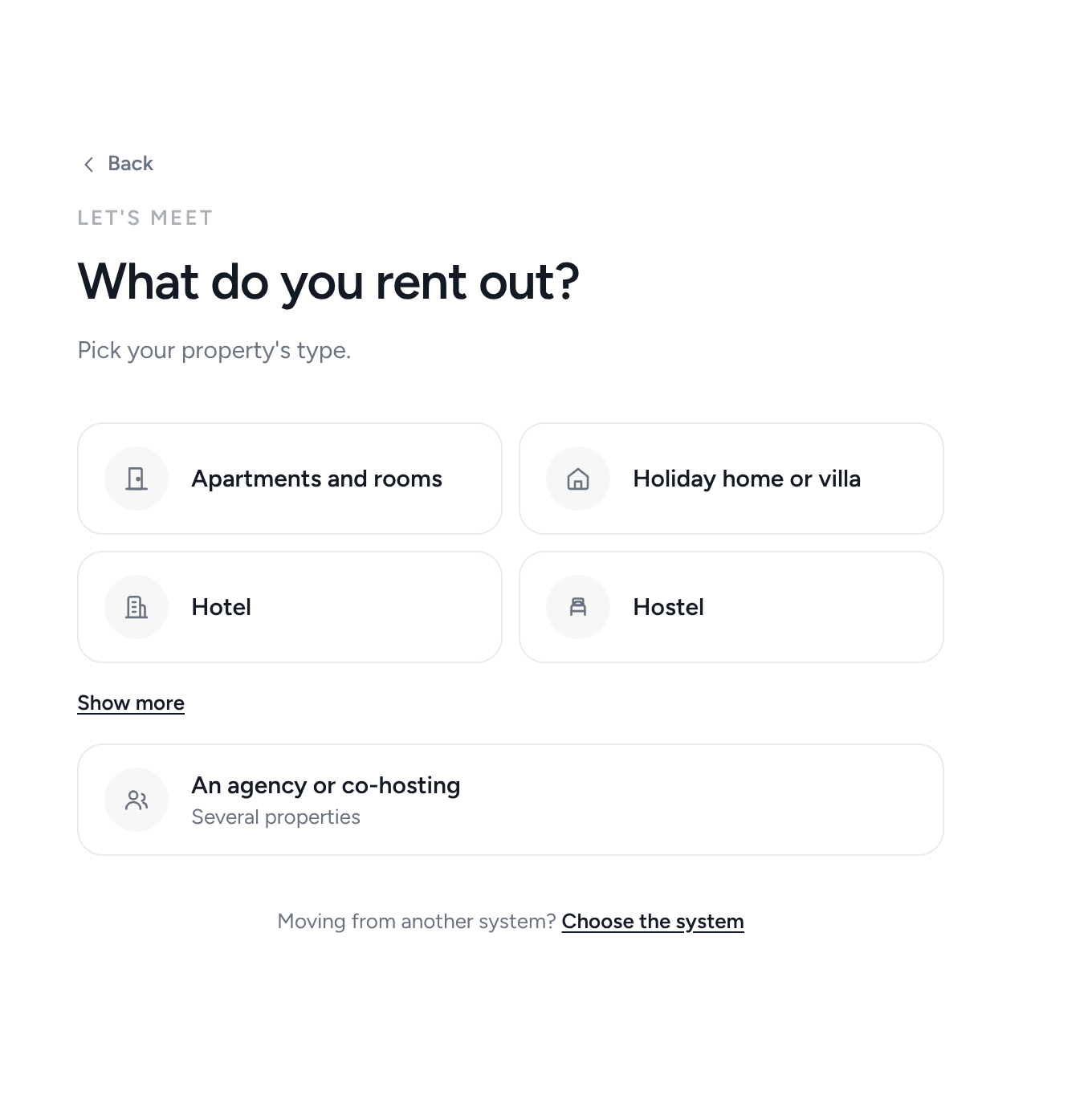
Choose the type of property. Agencies and co-hosts choose An agency or co-hosting; switching from another system starts from Choose the system.
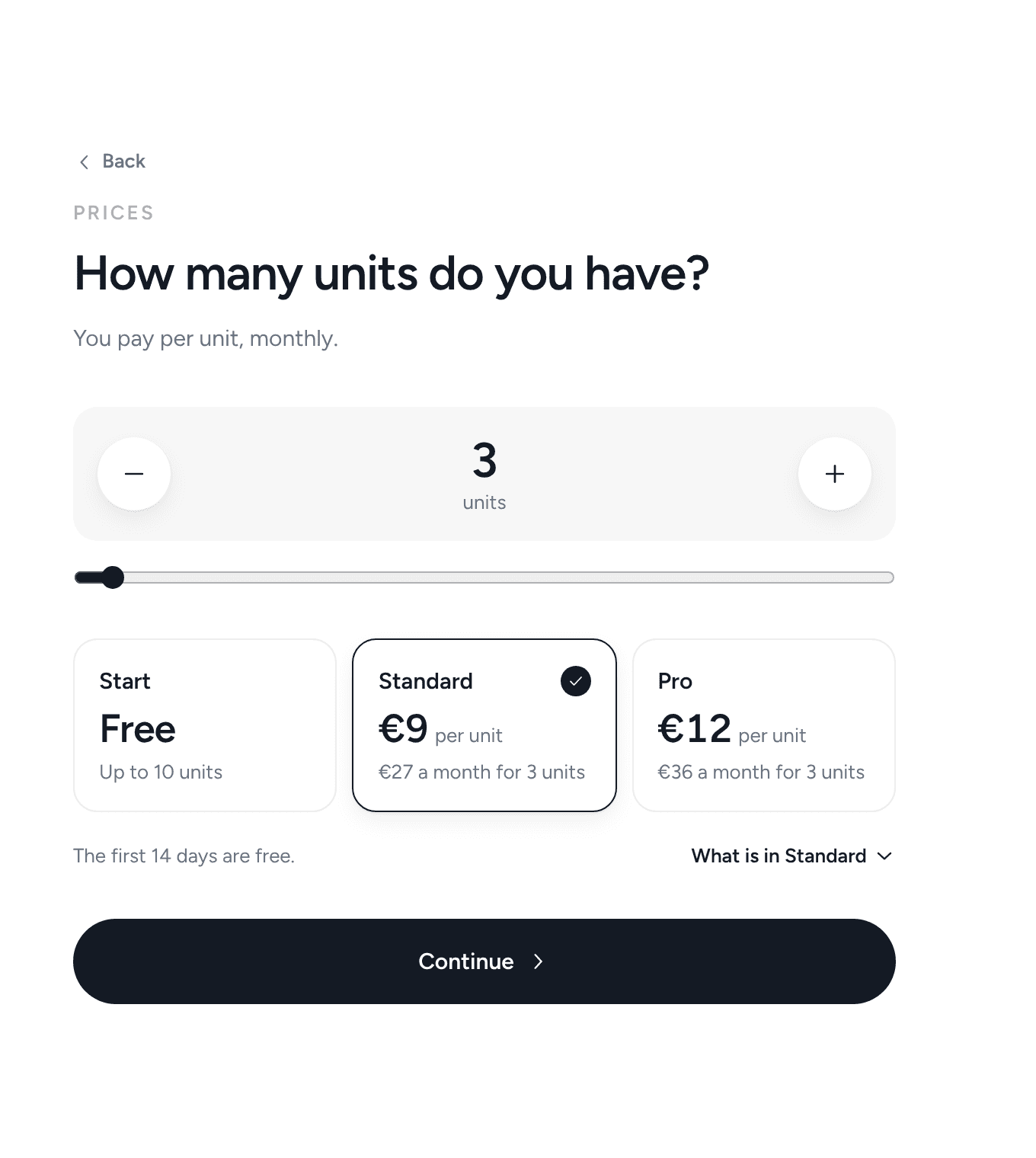
Set the number of units and choose a plan. Start is free for up to 10 units; Standard and Pro are paid per unit each month and come with a 14 day trial period.
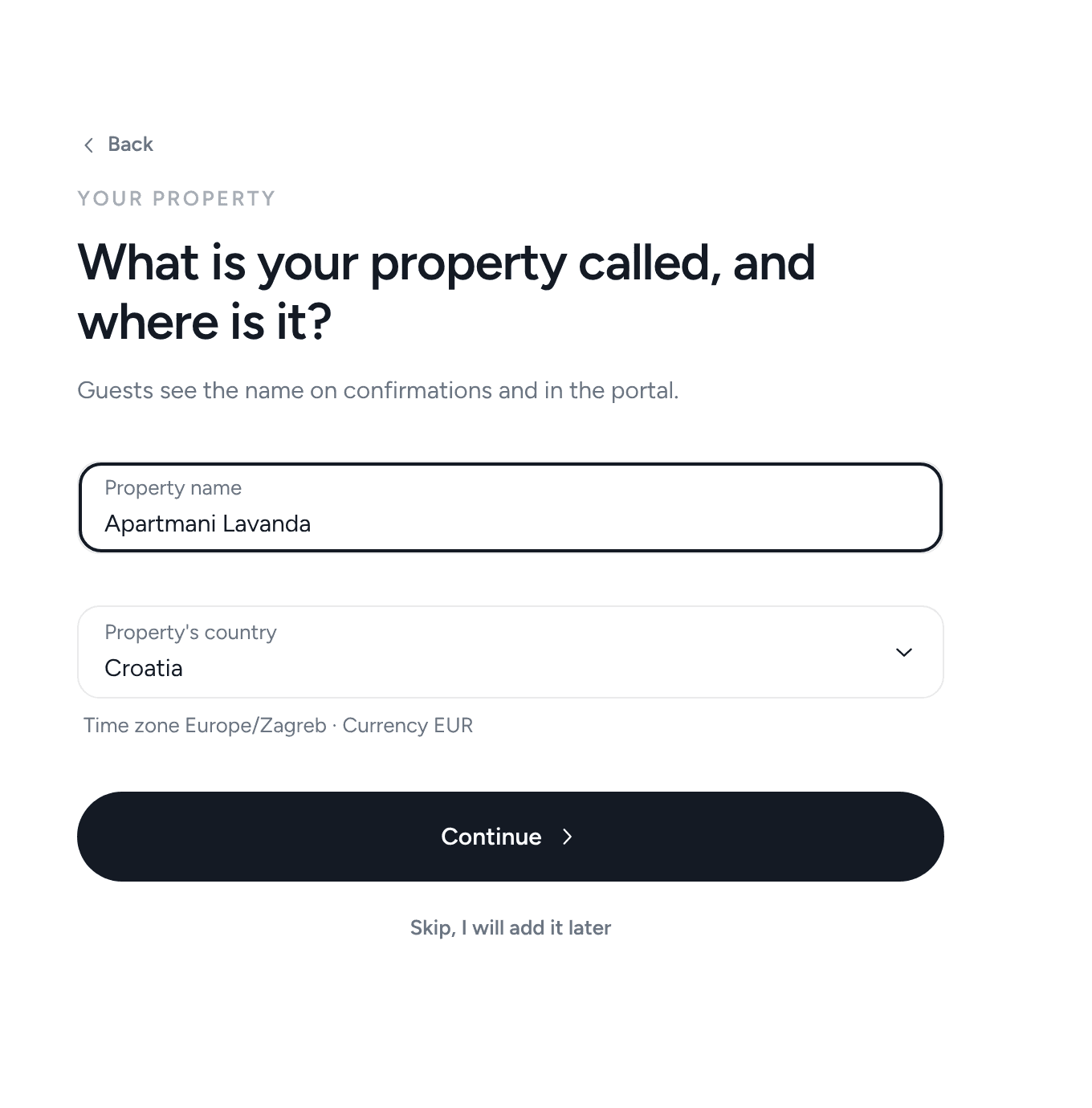
Enter the property's name and country. Guests see the name on confirmations and in the guest portal. The step can be skipped and filled in later.
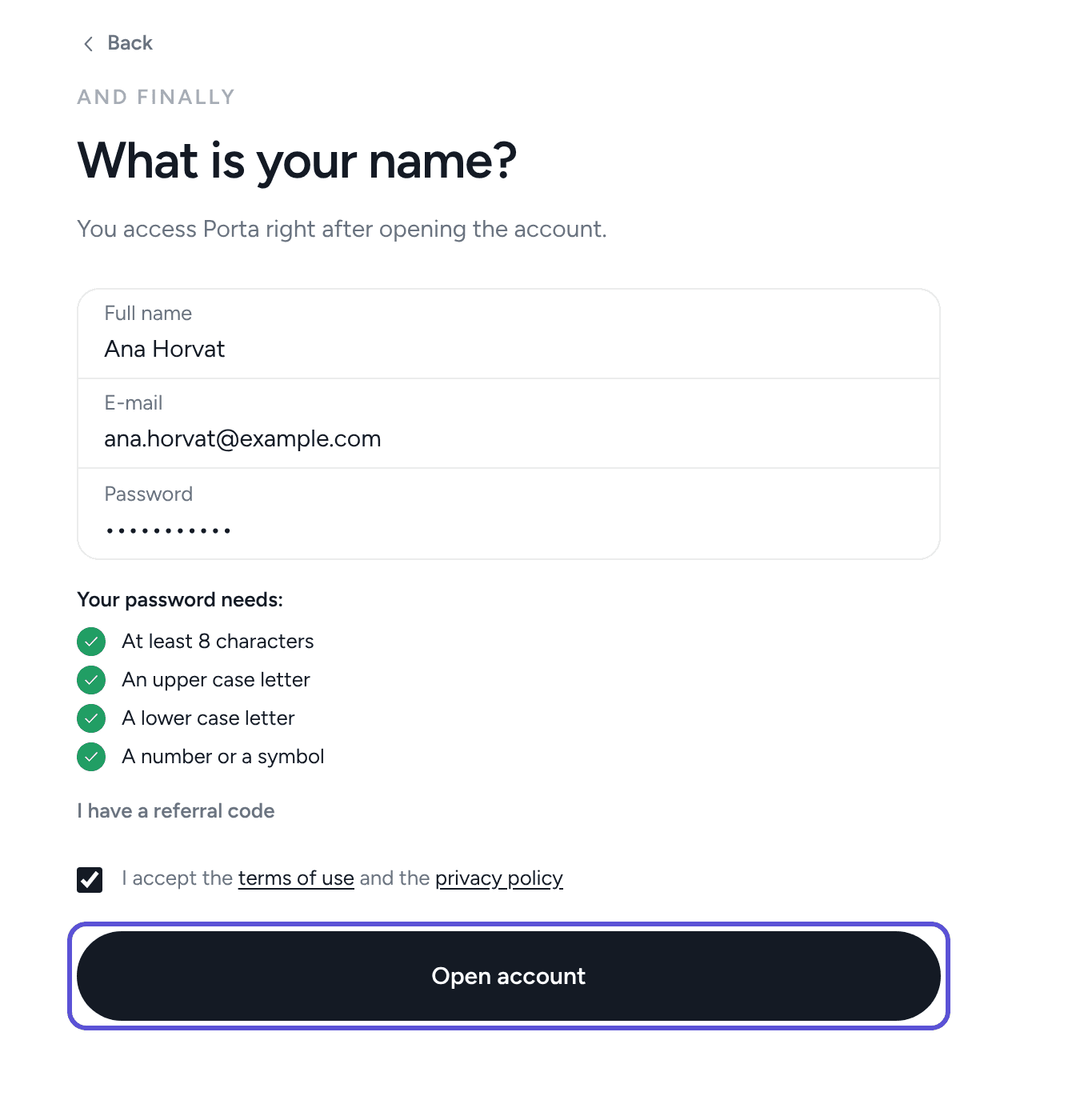
Enter your full name, email and password, accept the terms of use and choose Open account.
Porta opens straight away. A message to confirm your email arrives at the same time.
Referral code. With another host's referral code, entered under I have a referral code in the last step, the trial period lasts 30 days.
Did this article help you?
46 users found this article helpful